Instagram Stories changed the way I use social media.
I still remember the early days of Instagram, when every post felt like it needed to be perfect. The lighting had to be right. The caption had to be clever. The photo had to match the feed aesthetic. It was exhausting.
Then Instagram Stories came along.
Suddenly, posting felt human again.
Stories made it okay to be real. To share messy moments. To talk directly to people instead of performing for them. And over time, I realized something important.
Instagram Stories are not just fun. They are powerful.
They help creators, bloggers, and businesses build trust, grow audiences, drive traffic, and even increase sales. If you want to truly connect with your followers, Instagram Stories are one of the best tools available today.
This ultimate guide will walk you through everything you need to know about Instagram Stories, from how they work to how to use them strategically to grow online.
Why Instagram Stories Matter More Than Ever
Instagram Stories sit at the very top of the app. That placement alone makes them incredibly valuable.
But visibility is only part of the story.
Instagram Stories give followers a behind-the-scenes look into your life or brand. Instead of a polished snapshot, people see the real moments. The process. The personality. The day-to-day experience.
For a USA audience especially, this kind of authenticity builds trust fast. People want to follow creators they feel connected to, not just impressed by.

Stories allow you to:
- Show personality without overthinking
- Share content that does not fit your feed
- Stay visible even when you do not post
- Drive traffic to blogs, products, or offers
- Build real relationships with your audience
If your goal is engagement, growth, or influence, Instagram Stories should be part of your daily strategy.
What Are Instagram Stories?
Instagram Stories are photos or videos that appear in a slideshow format at the top of the Instagram app. Each story lasts up to 15 seconds and disappears after 24 hours unless saved as a Highlight.
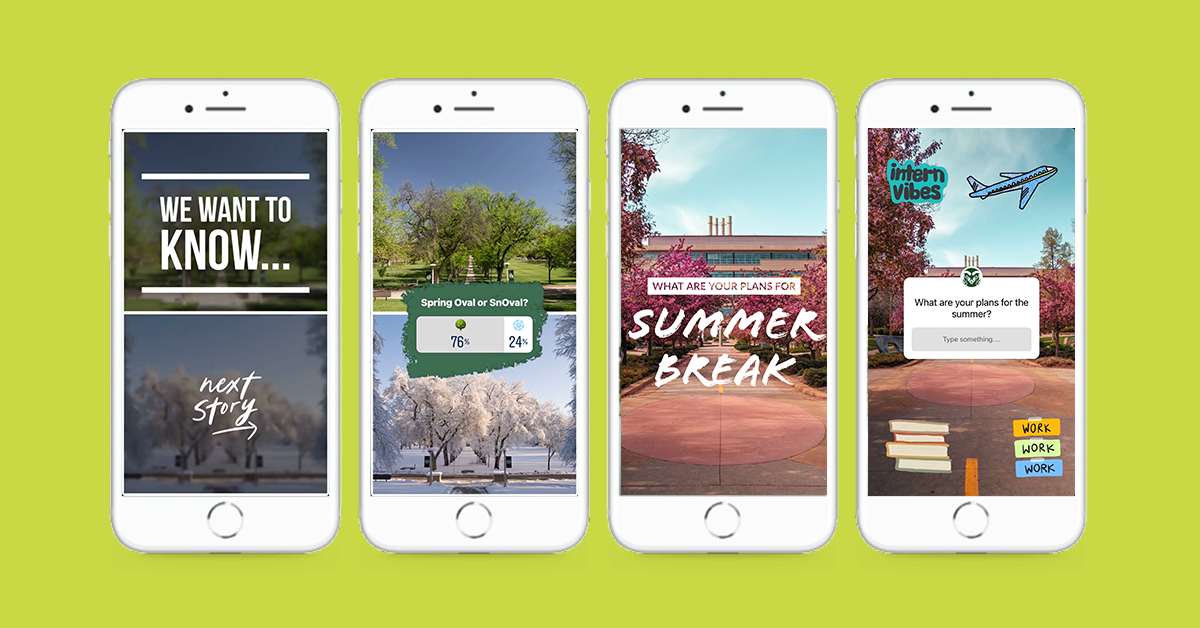
You can share:
- Photos
- Short videos
- Boomerangs
- Live videos
- Content from your camera roll
- Text-based slides
- Polls, questions, quizzes, and links
There is no official limit to how many Stories you can post, but posting too many at once can cause viewers to tap away. Quality and flow matter more than volume.
Why Instagram Stories Outperform Snapchat
While Snapchat introduced disappearing content, Instagram perfected it.
Instagram Stories now reach hundreds of millions of users daily and are deeply integrated with discovery, hashtags, links, and business tools.
Unlike Snapchat, Instagram Stories help you:
- Grow an audience publicly
- Drive website traffic
- Analyze performance
- Build a brand presence
For bloggers, influencers, and businesses, Instagram Stories are simply more powerful.
How to Post Instagram Stories Step by Step
Posting to Instagram Stories is simple.
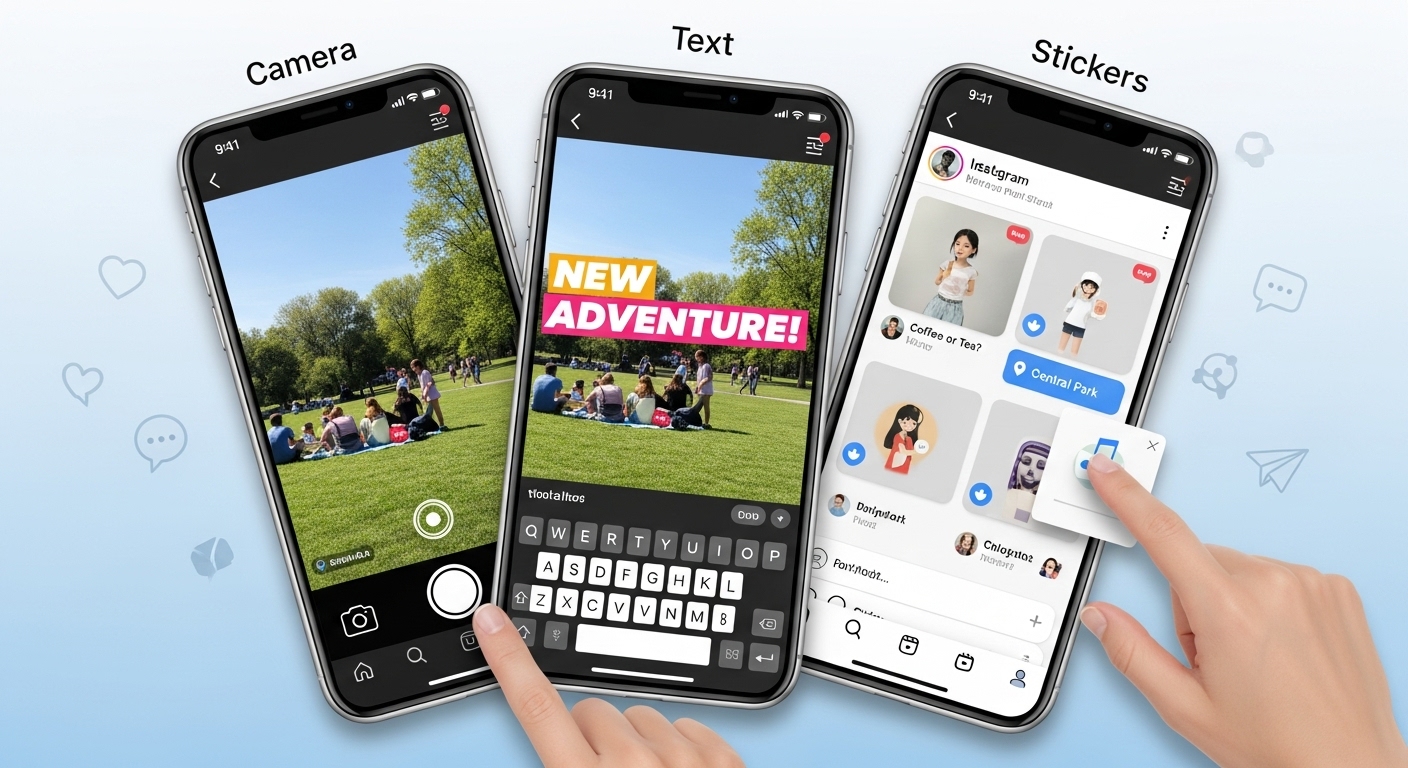
Open Instagram and tap the camera icon in the top left corner. From there, you can:
- Take a photo with one tap
- Record a video by holding the button
- Upload photos or videos from your camera roll
- Switch between front and back cameras
- Add filters before or after recording
Once your content is captured, you can enhance it with:
- Text
- Stickers
- GIFs
- Location tags
- Hashtags
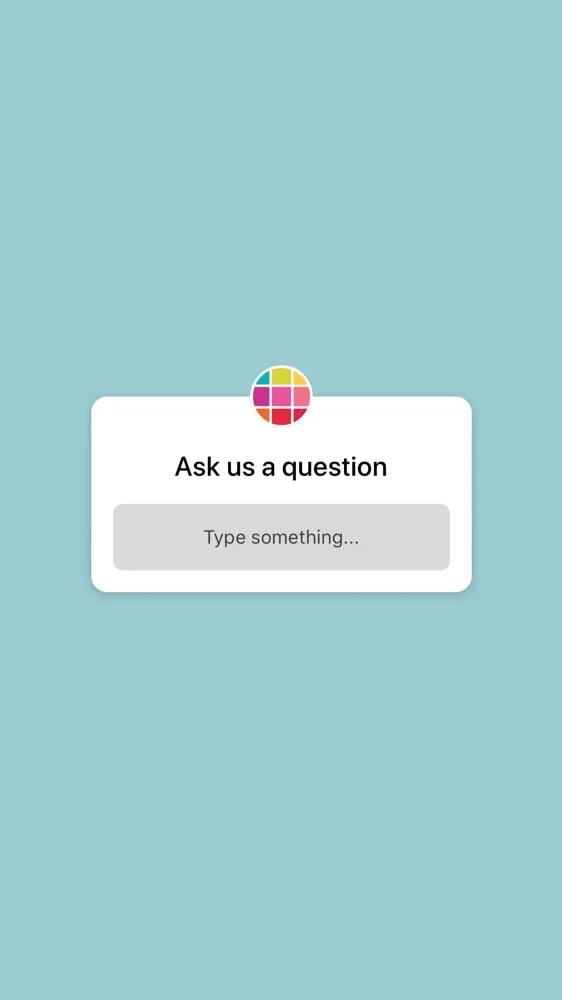
- Polls and question boxes
- Music
- Links
When finished, tap Your Story to share with all followers or Send To for specific people.
How to Make Instagram Stories More Engaging
Engagement is what keeps your Stories showing up first.
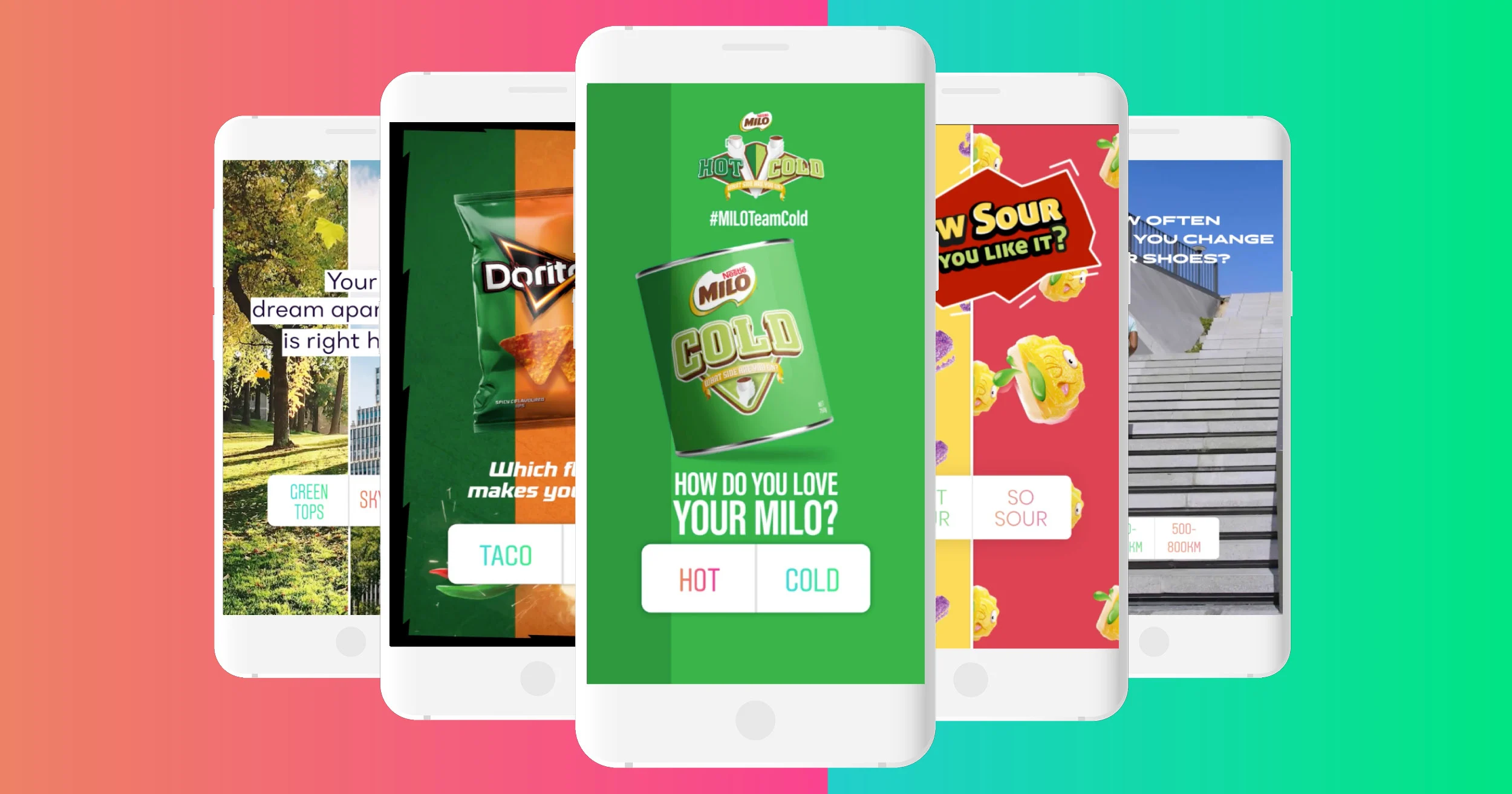
Here are proven ways to increase interaction:
Use Polls and Questions
Polls and question stickers invite viewers to participate. Even a simple yes or no poll increases engagement signals to Instagram.
Show Your Face
Talking directly to the camera builds trust faster than text alone. You do not need perfect lighting or makeup. Authentic beats polished every time.
Add Location and Hashtags
Location stickers and hashtags help your Stories appear in discovery feeds, bringing new viewers to your profile.
Keep a Clear Flow
Stories should feel connected, not random. Think of them as mini chapters instead of isolated posts.
Using GIFs and Filters to Enhance Stories
GIFs add movement and personality to Stories. You can search trending GIFs or type keywords to find the perfect fit.
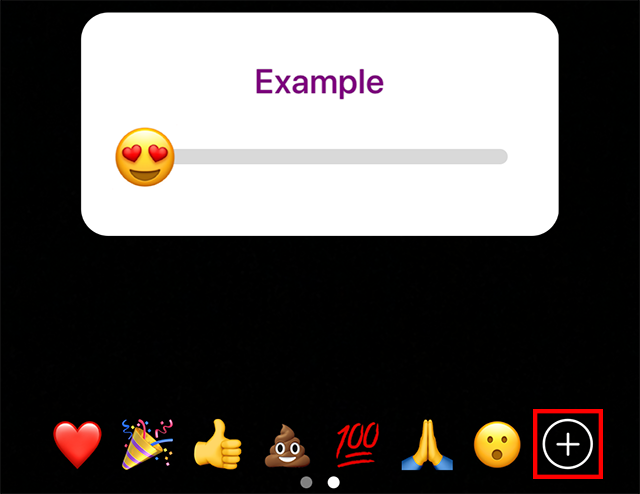
Filters can:
- Improve lighting
- Add creative effects
- Create playful or interactive moments
You can also save filters created by other users or try filters directly from Stories you are watching.
Instagram Close Friends and Private Sharing
Instagram allows you to create a Close Friends list so you can share personal or exclusive Stories with a smaller audience.
This is useful for:
- VIP content
- Personal updates
- Soft launches
- Loyal followers
It helps deepen relationships without oversharing publicly.
How to Use Instagram Story Highlights
Story Highlights allow you to save Stories permanently on your profile.
Highlights are perfect for:
- Blog posts
- Tutorials
- Promotions
- Travel guides
- Product recommendations
- FAQs
They act like a visual menu for new visitors and help communicate your brand instantly.
Adding Links to Instagram Stories
You can add links to Instagram Stories using the link sticker.
Links are powerful for:
- Blog posts
- Affiliate products
- Email signups
- Sales pages
Always tell viewers what to do. A simple call to action like tap the link or check this out works well.
Turning Instagram Stories Into Income
Instagram Stories are one of the easiest ways to recommend products naturally.
Here are a few affiliate-style products that fit perfectly into Stories:
Smartphone Tripod for Content Creators
A compact phone tripod makes filming hands-free videos easy. Perfect for tutorials, daily routines, or talking clips.
Ring Light for Instagram Stories
Good lighting instantly improves video quality. A small ring light works great for home offices and content creators.
Instagram Scheduling and Analytics Tools
Planning tools help creators stay consistent and track what Stories perform best, especially useful for business accounts.
The key is honesty. Share how the product fits into your real routine.
Instagram Stories Analytics Explained
Business and creator accounts have access to Story analytics, including:
- Forward taps
- Backward taps
- Exits
- Replies
- Profile visits
- Link clicks
These insights show what content works and what causes viewers to leave. Use this data to improve storytelling and timing.
How to Get More Views on Instagram Stories
If you want more people watching your Stories, focus on:
- Posting consistently throughout the day
- Mixing video, photos, and interactive elements
- Using polls and questions
- Tagging other users and creators
- Adding relevant hashtags
- Spacing Stories instead of posting all at once
The more viewers interact, the more Instagram prioritizes your Stories.
FAQs About Instagram Stories
Are Instagram Stories better than feed posts?
They serve different purposes. Feed posts build long-term visibility while Stories build daily engagement and connection.
How often should I post Instagram Stories?
Most creators do well with 3 to 7 Stories per day spread across the day.
Do Instagram Stories help grow followers?
Yes. High engagement increases visibility and profile visits, which leads to growth.
Can businesses use Instagram Stories?
Absolutely. Stories are ideal for promotions, behind-the-scenes content, product launches, and customer interaction.
Do I need professional equipment?
No. A smartphone is enough. Simple tools like a ring light or tripod can help but are optional.
Final Thoughts
Instagram Stories remove the pressure of perfection.
They allow you to show up as you are, share what matters, and connect in real time. Whether you are a blogger, creator, or business owner, Stories help you stay visible, build trust, and grow naturally.
If you want to succeed on Instagram today, learning how to use Stories effectively is no longer optional. It is essential.
Read More:
14 Photo Ideas for Instagram (Simple Ideas That Always Work)